People say local LLMs are getting better for coding. I decided to test how they work in practice, with a few experiments, without investing in extra hardware. In this article, I will show tests on google/gemma-4-e4b and Qwen2.5-Coder-14B-Instruct-GGUF models.
My test machine is a MacBook Pro with an M4 Pro chip and 24 GB of memory, which is about the bare minimum for running some models.
LM Studio
To run models locally, I used LM Studio because it has a nice GUI. Another alternative is Ollama. Both support OpenAI-compatible APIs. LM Studio uses the following endpoint:
http://localhost:1234/v1
Using this endpoint, it is easy to connect OpenCode to local models.
On its first launch, LM Studio suggested google/gemma-4-e4b as a model to try.
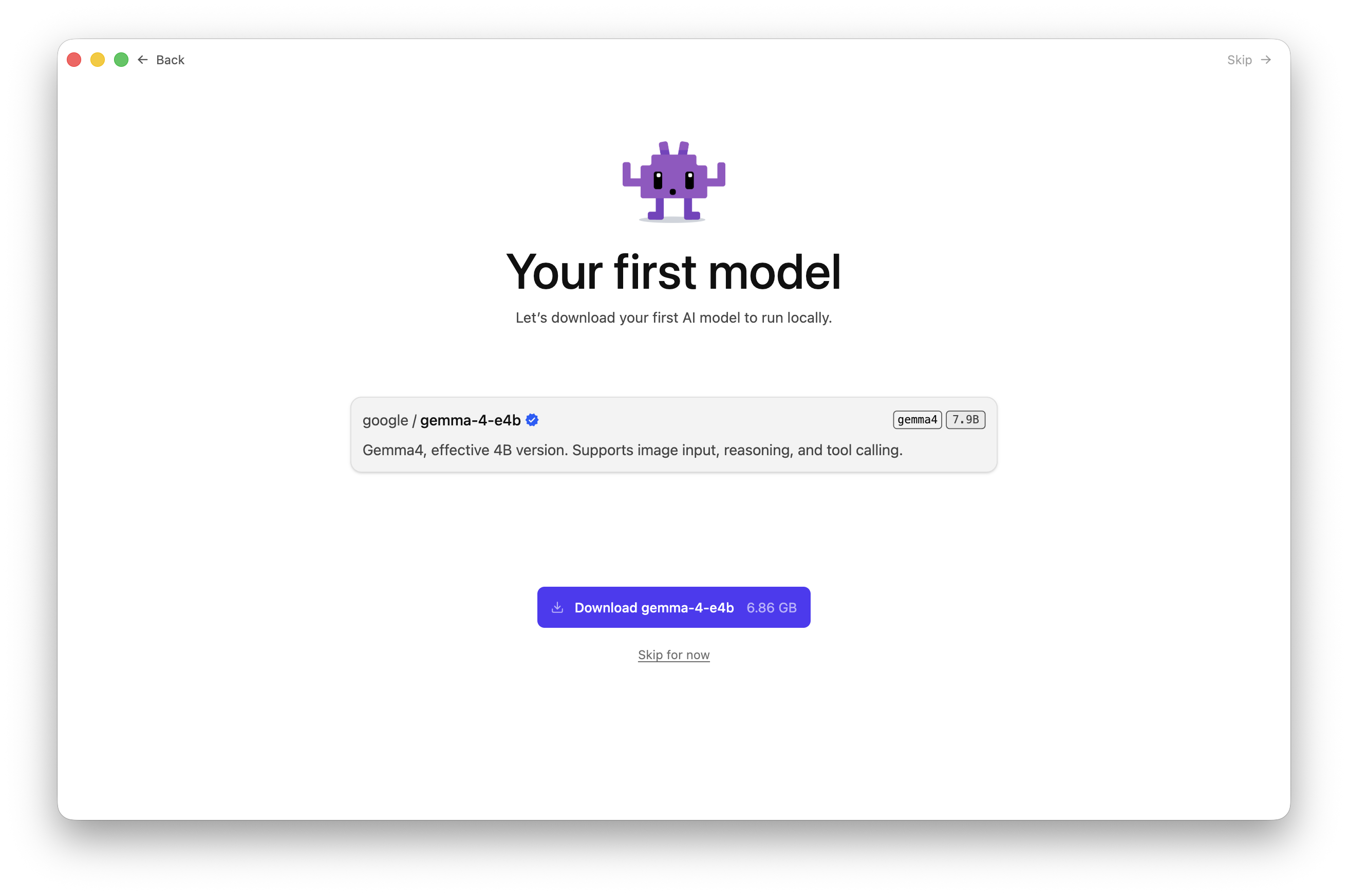
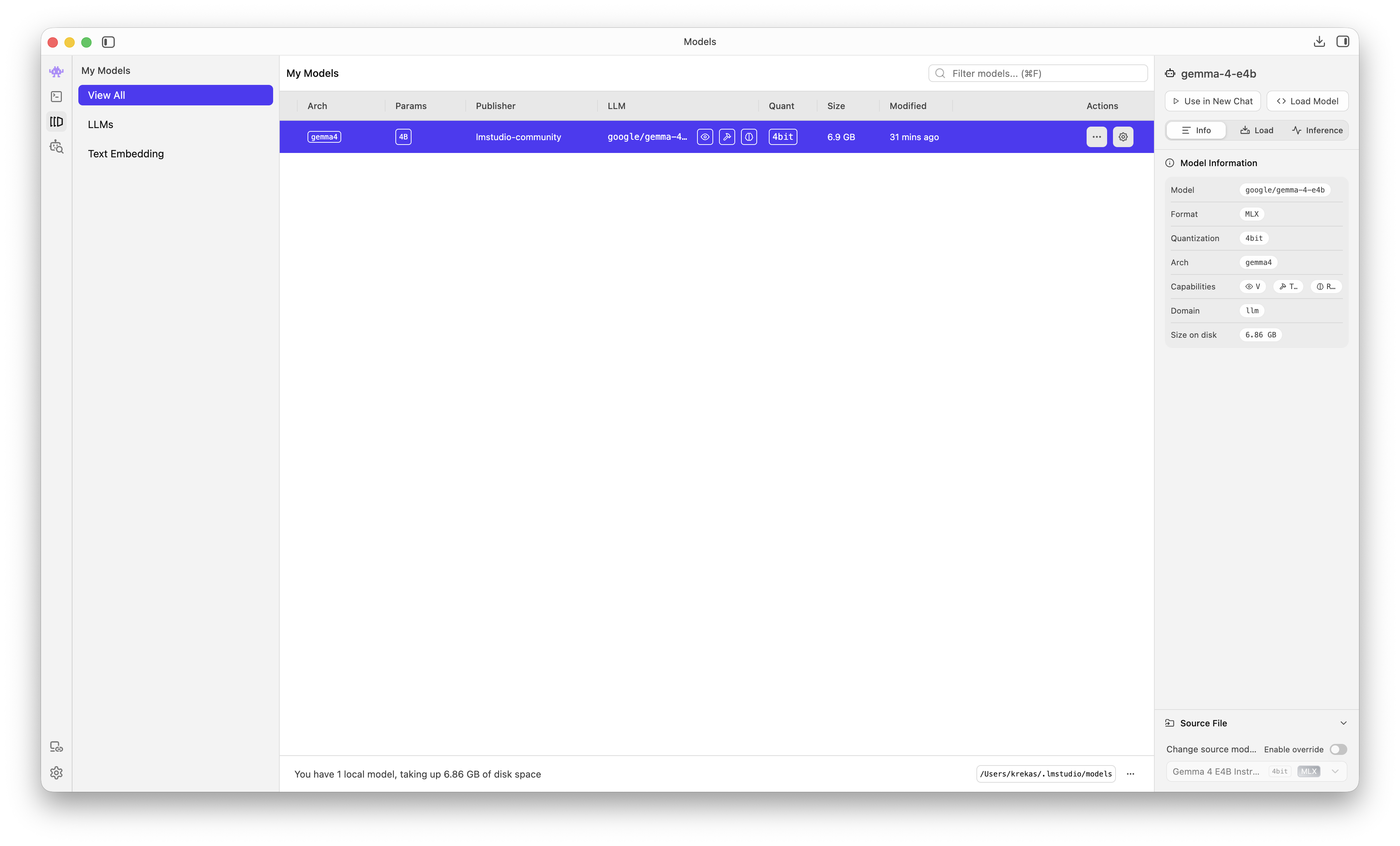
After the download finishes, the model can be loaded into memory.
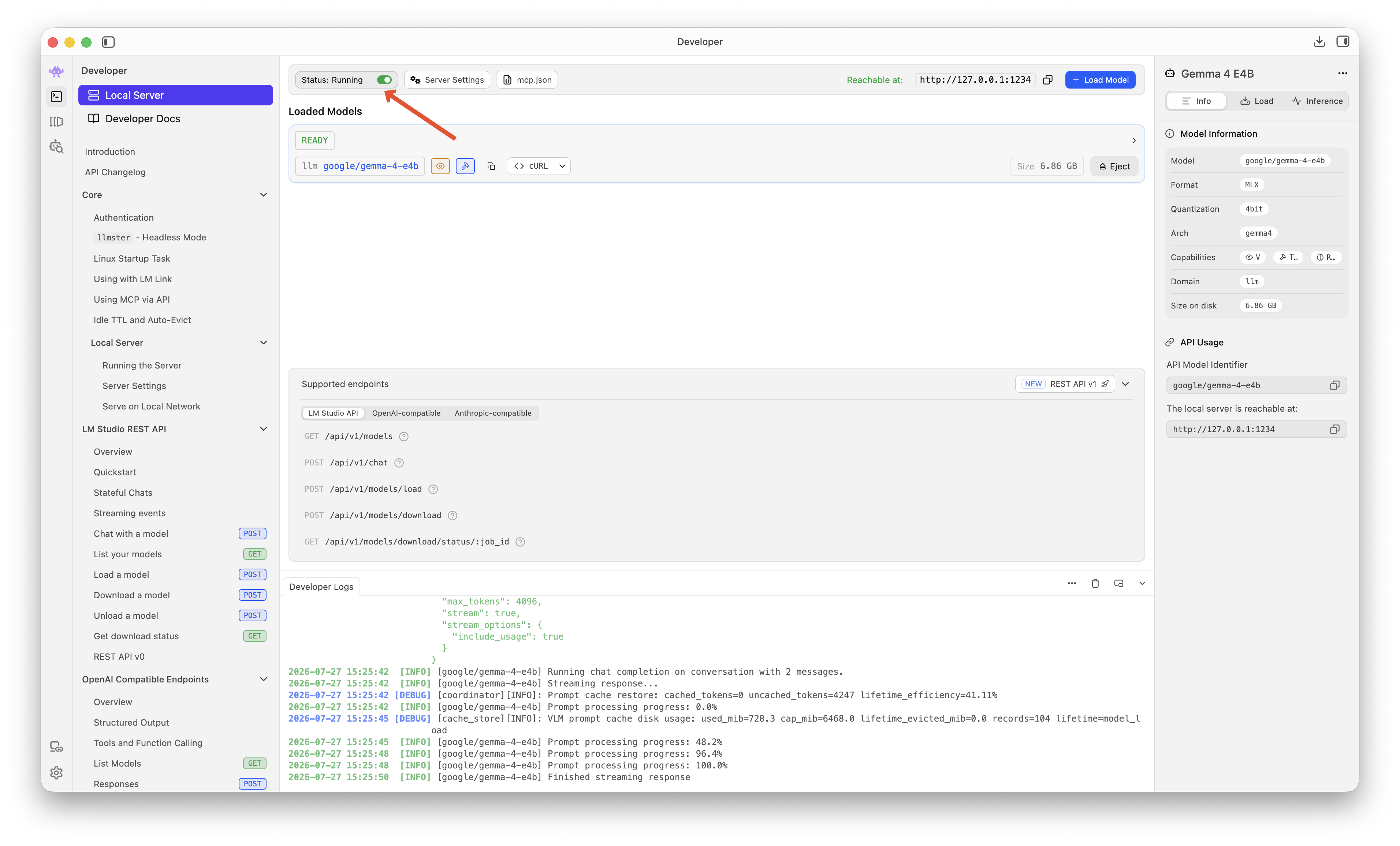
When using local LLMs through agents like OpenCode, don't forget to start LM Studio's local server.
OpenCode Configuration
To use local models in OpenCode, we need to add them to the opencode.json file. This file can be edited per project or globally.
{
    "$schema": "https://opencode.ai/config.json",
    "model": "lmstudio/google/gemma-4-e4b",
    "provider": {
        "lmstudio": {
            "npm": "@ai-sdk/openai-compatible",
            "name": "LM Studio (local)",
            "options": {
                "baseURL": "http://localhost:1234/v1"
            },
            "models": {
                "google/gemma-4-e4b": {
                    "name": "Gemma 4 E4B"
                }
            }
        }
    }
}
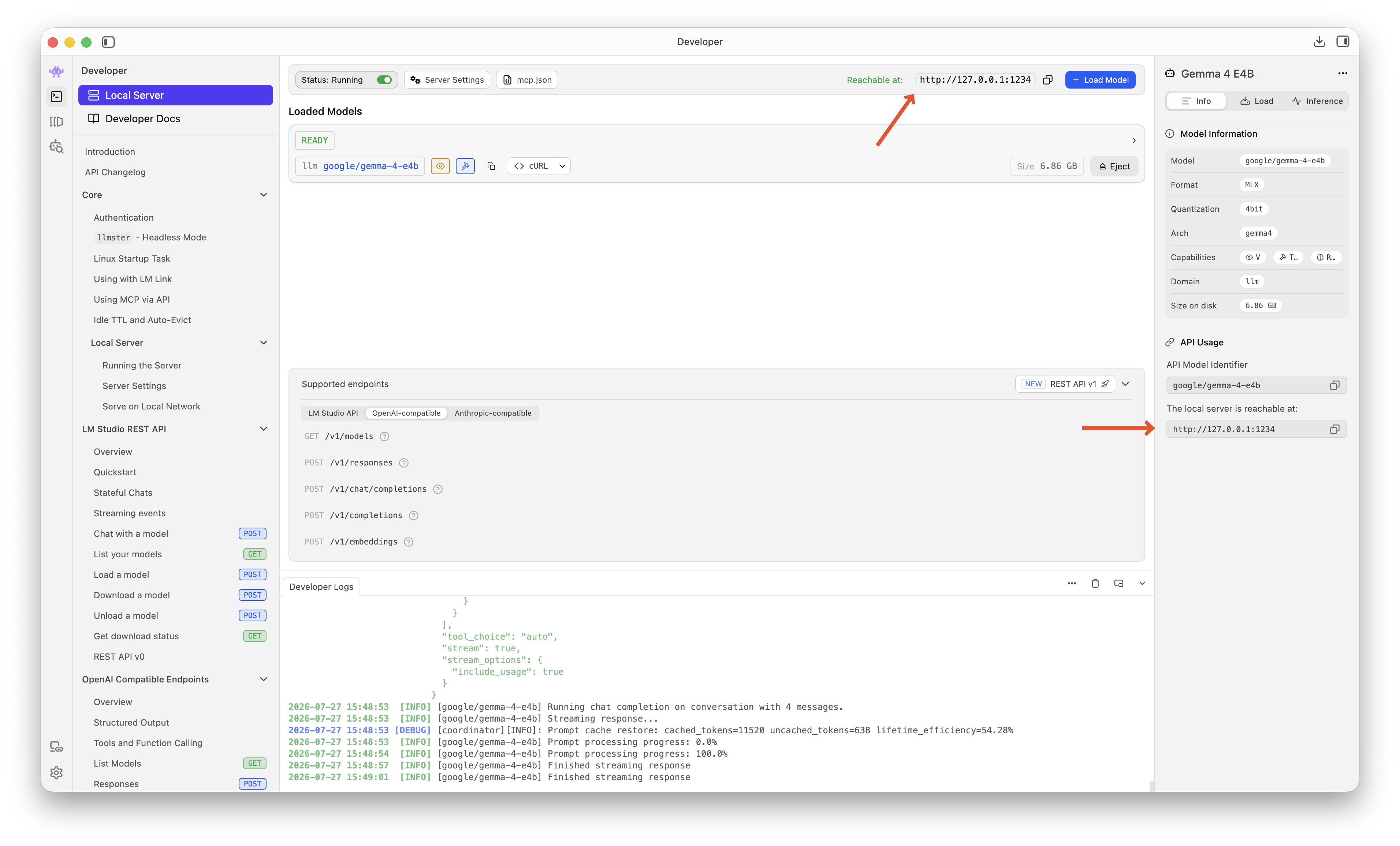
I also set the local google/gemma-4-e4b model as the default. The baseURL can be found in LM Studio under Developer > Local Server.
First Model Test
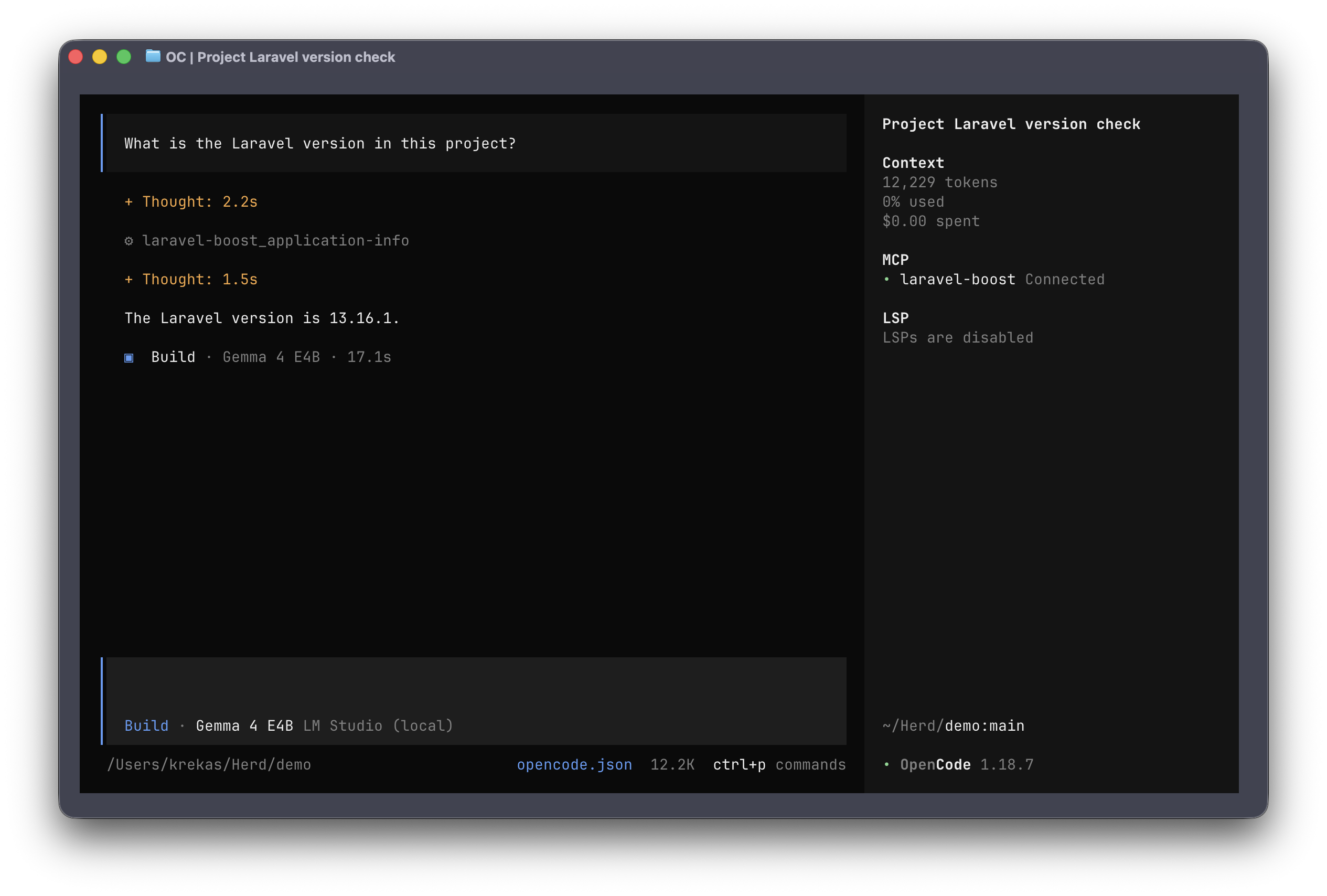
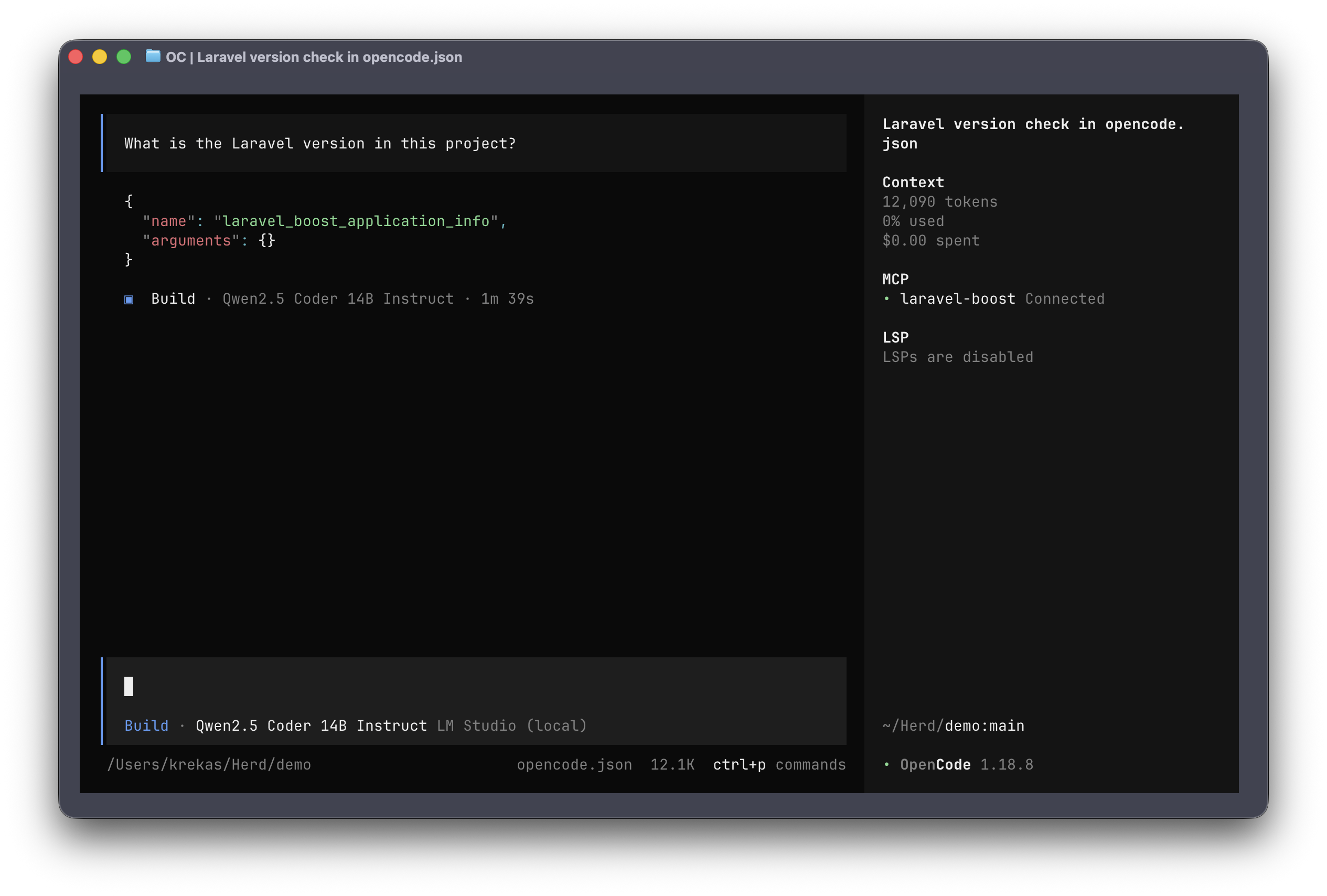
In a Laravel application, I tried a simple prompt: "What is the Laravel version in this project?" OpenCode used a tool provided by the Laravel Boost MCP server, as expected. The request took 17 seconds and produced a correct answer.
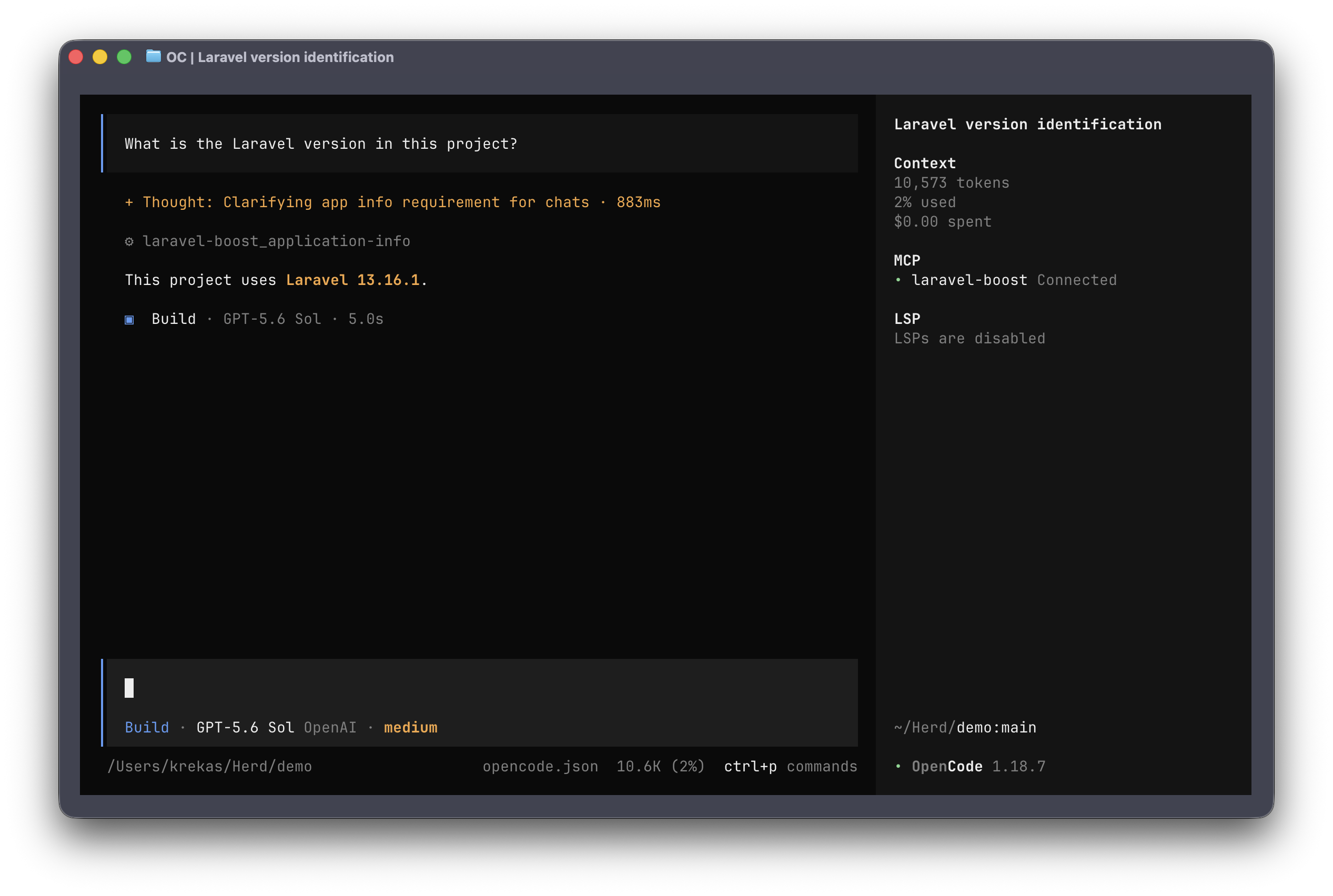
For comparison, GPT-5.6 Sol with Medium reasoning took 5 seconds to produce the same result: more than three times as fast.
Second Model Test
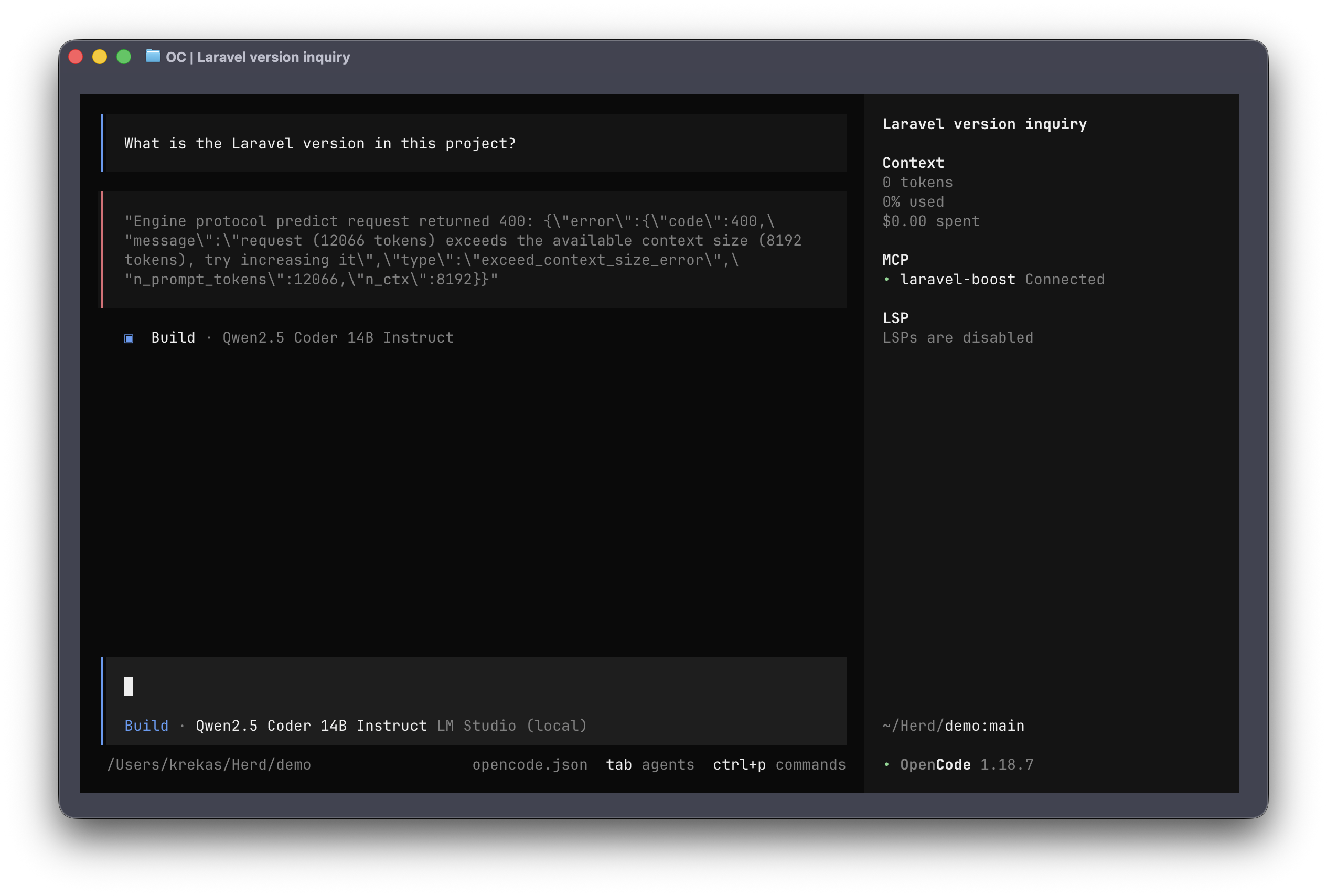
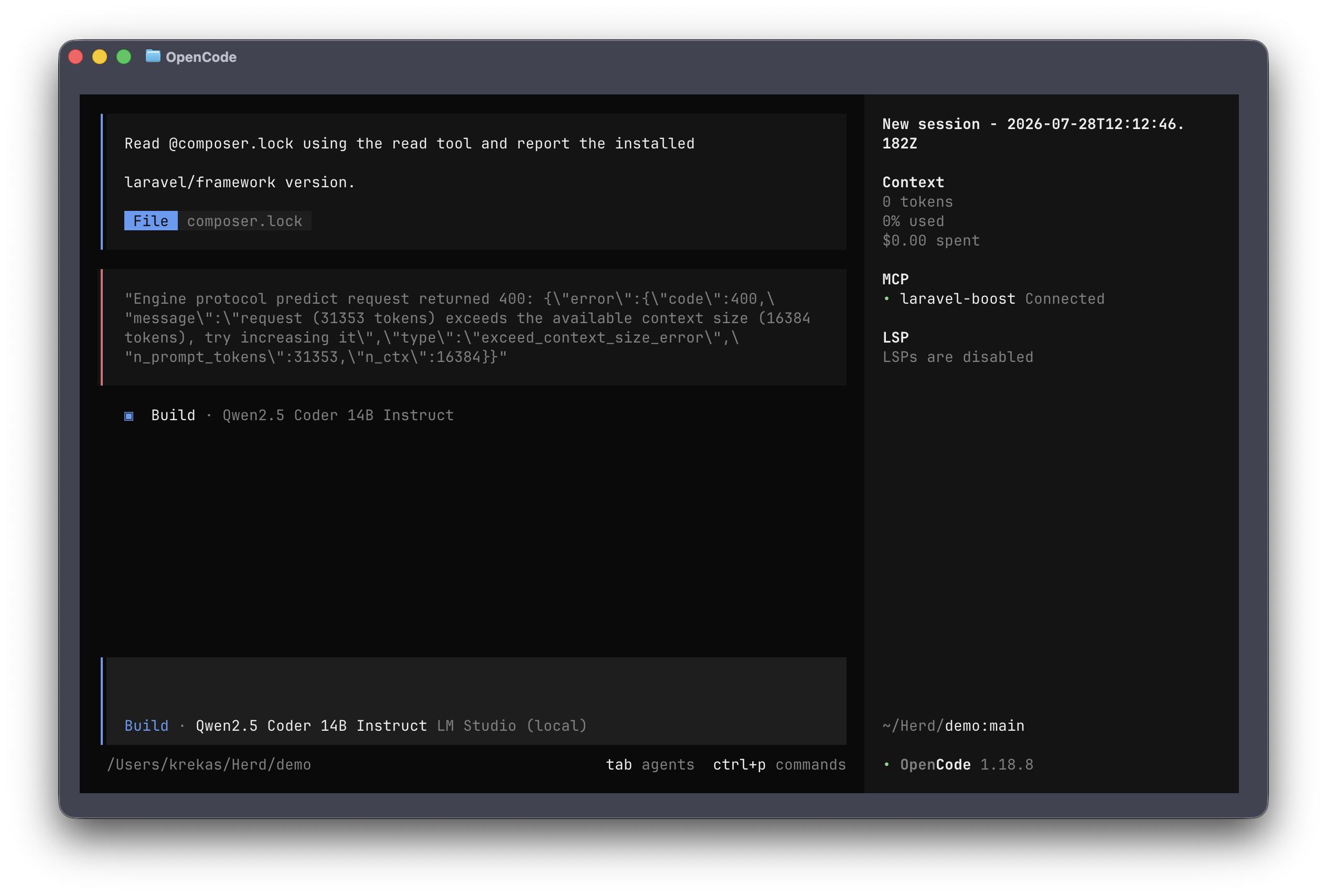
I also tried another model, Qwen2.5-Coder-14B-Instruct-GGUF, with Q4_K_M quantization. It is a little bigger than the previous Gemma 4 model, but it still fits on my machine. However, just because a model fits in memory doesn't mean it will work as expected. With the same very simple prompt and the default settings, I received the error exceeds the available context size.
By default, LM Studio uses a context length of 8192 tokens.
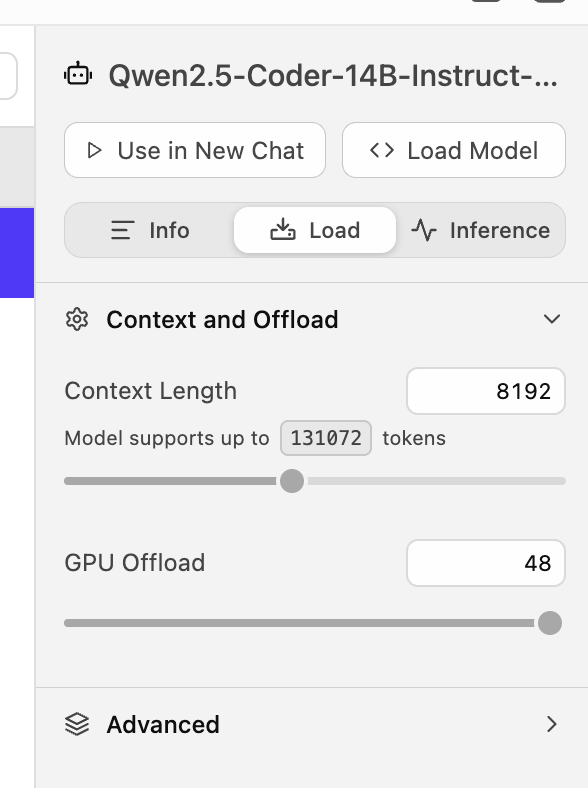
You might think that increasing the number of tokens will solve everything. But remember, memory isn't made of rubber - it doesn't stretch. I tried doubling the context length to 16,384 tokens, but the result still wasn't what I expected. With the same prompt, the model tried to call an MCP tool, but it used the wrong name and the call failed.
But then I thought I could provide the composer.lock file as context so the model could find the version. Again, I got the same context-length error.
My Take
To run a decent model, as of August 2026, you need expensive hardware.
Memory is very expensive these days. For example, you can read an article on X/Twitter where people try to run the GLM-5.2 model. Even after shrinking it by about 84%, it still requires 238 GB!
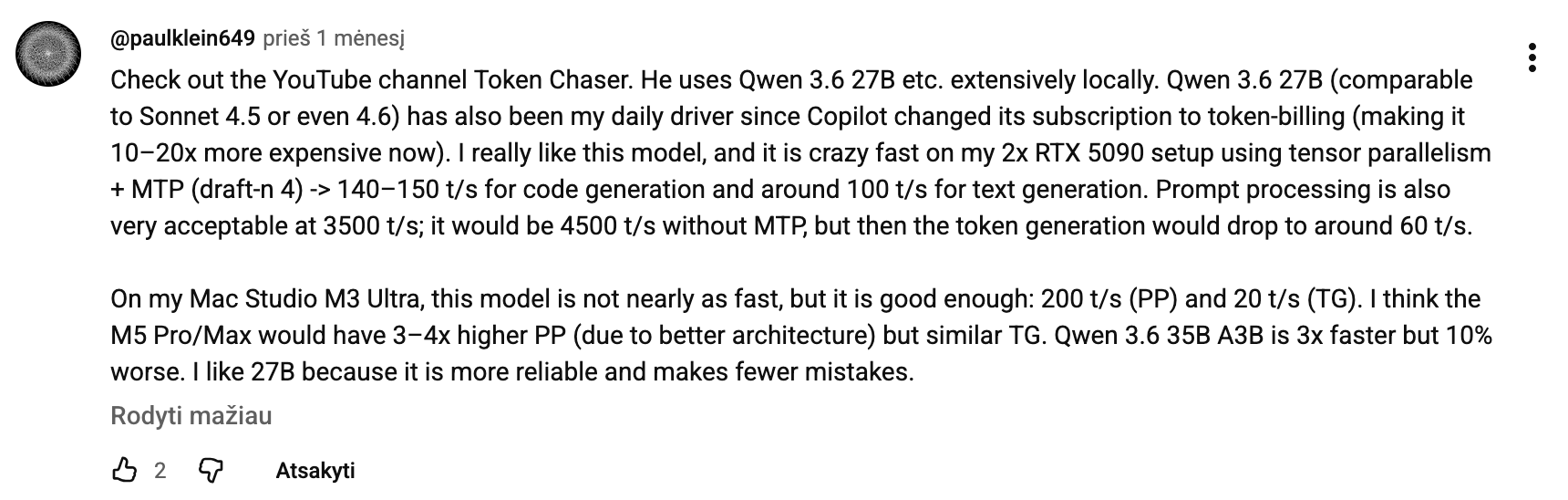
Of course, some people run smaller models, and they work for them. Someone is running Qwen 3.6 27B on two RTX 5090 GPUs. That's about $9,000 just for the GPUs, and don't forget that you need the other components, too, so the total could be about $11,000. Not to mention electricity, since the GPUs alone could draw 1 kW.
To run larger local models, people buy GPUs like the NVIDIA RTX PRO 6000, whose price is $13,000 or more, and you might even need more than one.
Another option is to buy a Mac Studio and run models on it. With the exo project, you can combine multiple Mac Studios into an AI cluster. With certain device counts and configurations, it can even make models run faster.
For more serious local models, ASUS recently launched the ExpertCenter Pro ET900N G3, which has 748 GB of coherent memory and can run quantized models such as Qwen 3, DeepSeek V4, and GLM-5.2. However, it costs more than $100,000.
If you are interested in seeing such a machine in action, you can watch a review on YouTube.
