Many people are switching to Codex from Claude Code in April/May, so I thought to compile some features of Codex CLI that you may not know.
1. Skip Permissions
In Claude Code, you can run claude --dangerously-skip-permissions, the same thing in Codex has two variants:
codex --dangerously-bypass-approvals-and-sandboxcodex --yolo
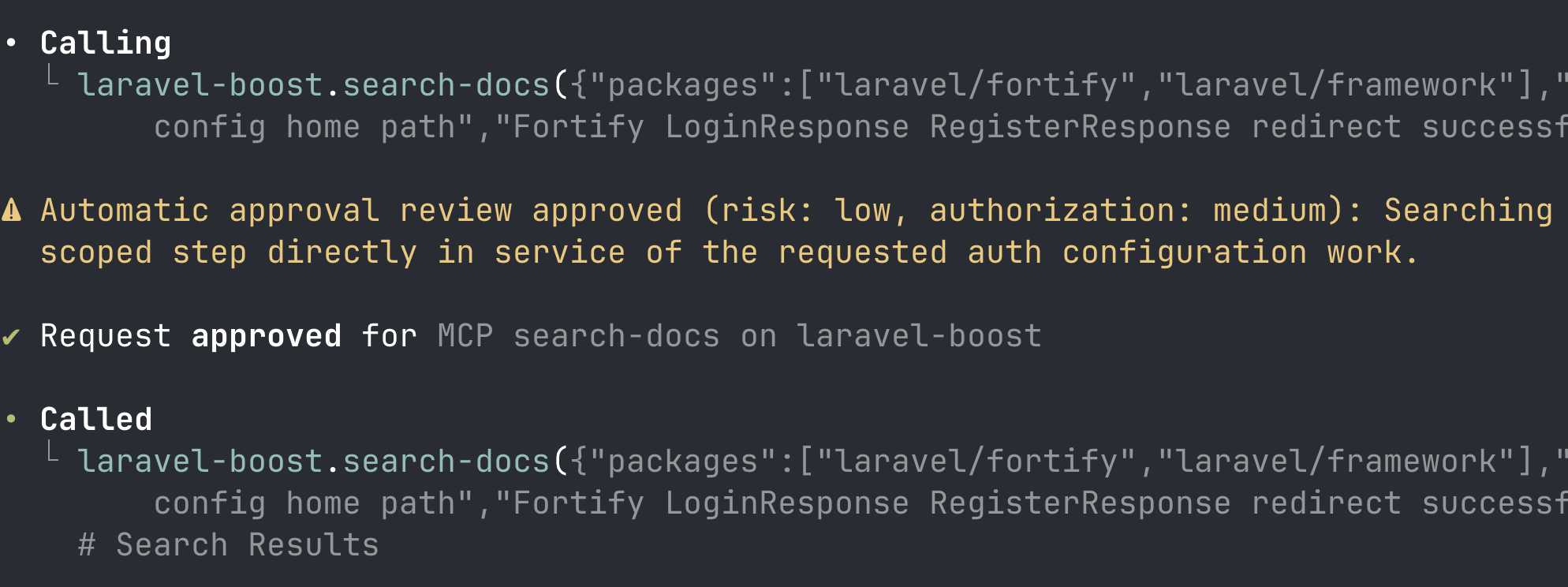
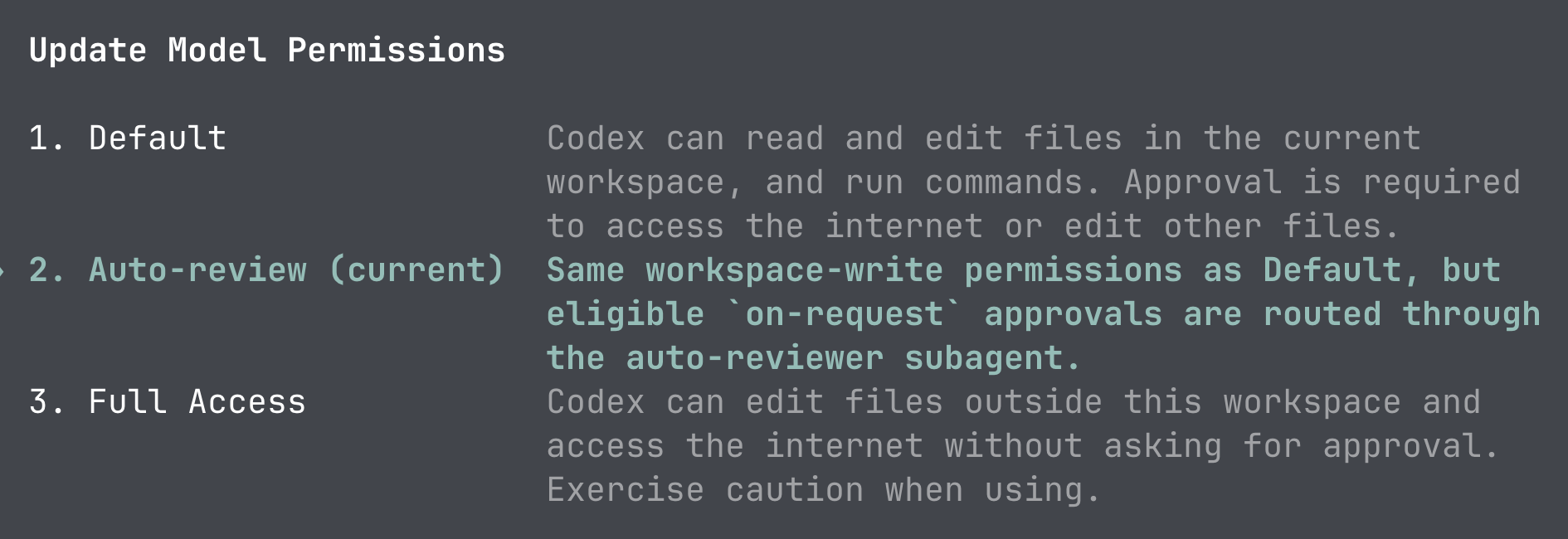
Recently, they launched a new mode of permissions called auto-review, which means that the command is checked by LLM itself (and yes, it uses a bit of tokens) to be safe or needs permission. In my experience, works pretty well. So, maybe we don't need this --yolo as much anymore.
Also, you can switch the permissions at any time of your session, using /permissions.
2. Don't Trust /status Numbers
If you run /status to check your 5h/weekly usage, the numbers would be not updated immediately, they lag for a few minutes, which may be a crucial difference.
The accurate numbers of how much usage is left are only on the web dashboard of ChatGPT.com.
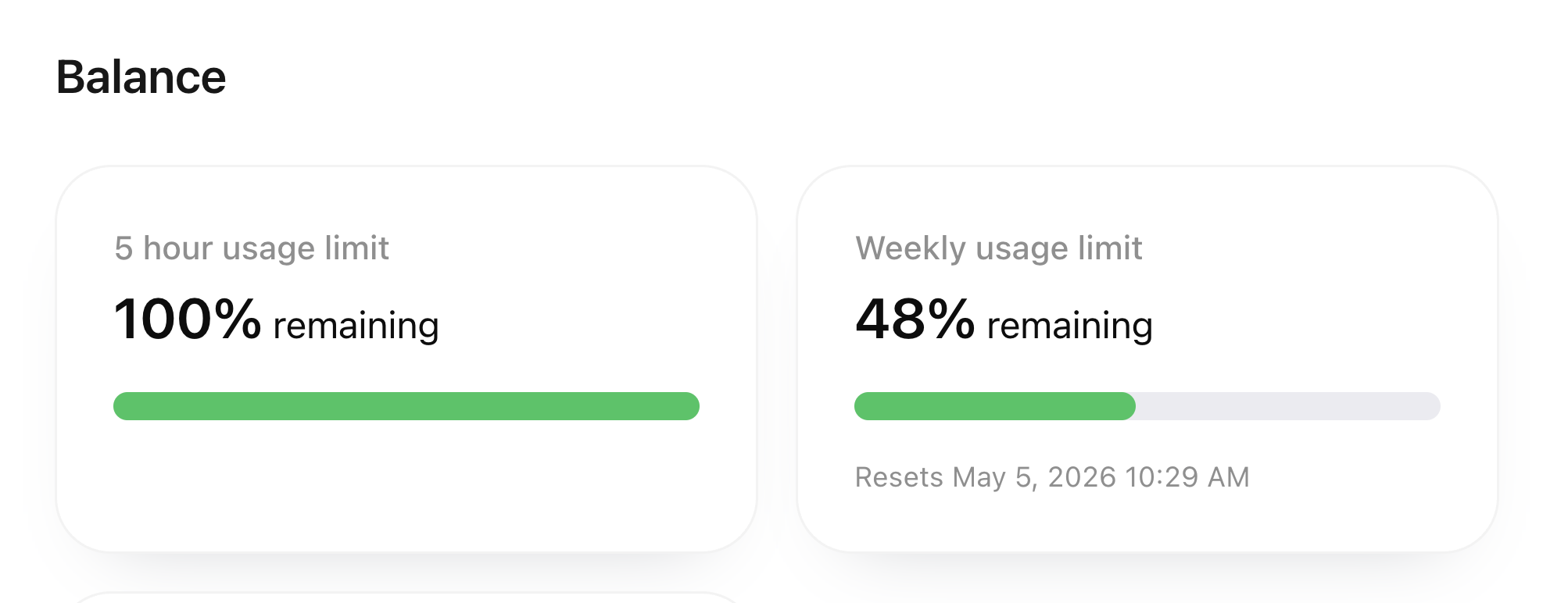
I even shot a YouTube short video, showing the difference in action.
3. Run Terminal Commands from Codex
Similar to...
