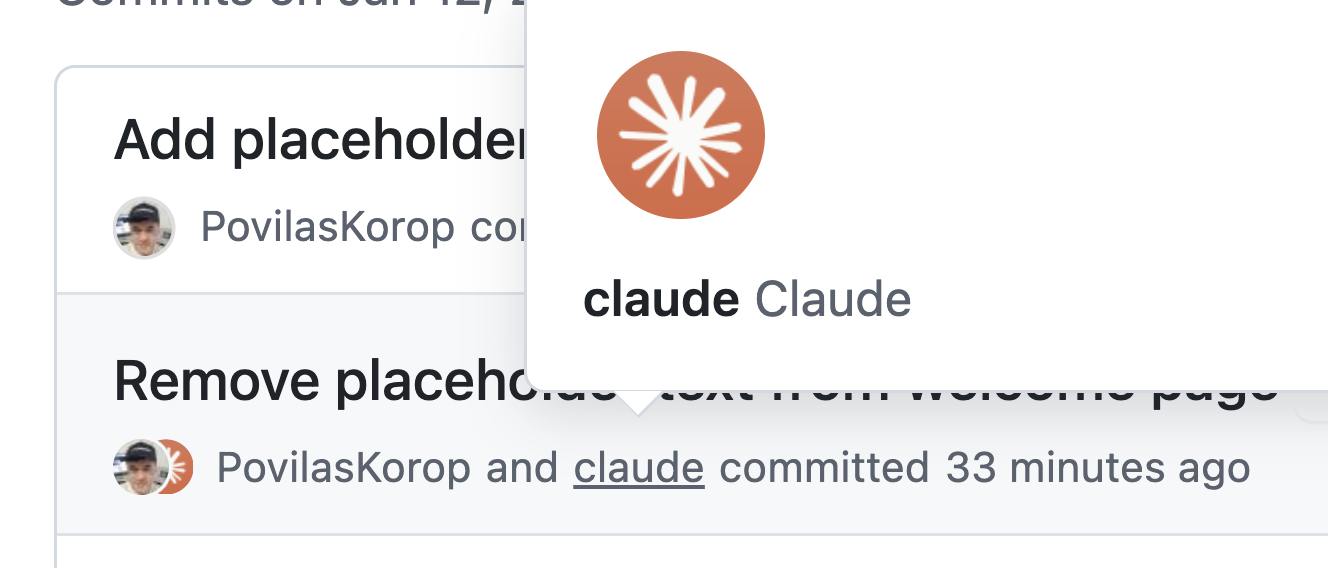
If you ask Claude Code to commit and push changes to GitHub in a prompt, it will add itself as a co-author of that commit.
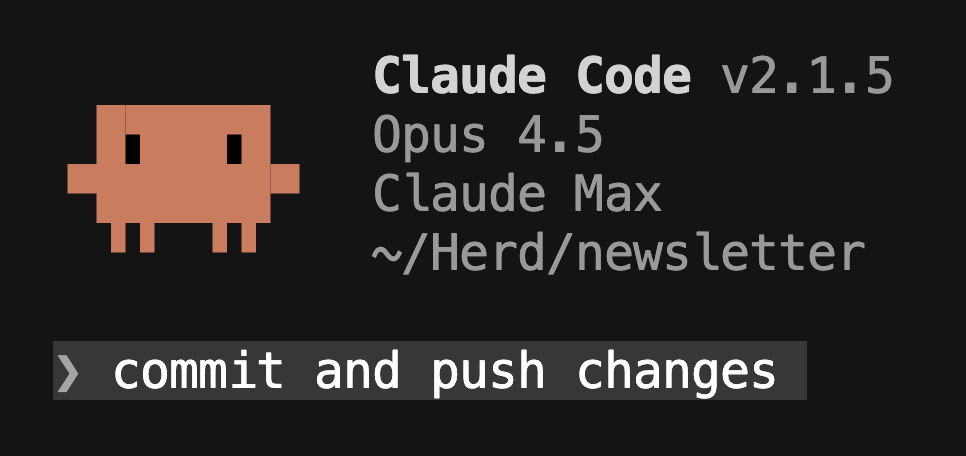
This happens if you put something like this in a prompt:
If you don’t want Claude showing up as a co-author on Git commits or adding itself in pull request descriptions, add this JSON to your Claude configuration:
{
  "attribution": {
    "commit": "",
    "pr": ""
  }
}
This setting tells Claude Code not to include any attribution text in:
- Git commits (no “Co-Authored-By: Claude…” line)
- Pull request descriptions (no AI attribution footer)
Where to Put This JSON
Claude Code supports multiple JSON settings files that control its behavior. You can add the configuration above in one of the following:
- Local project override:
.claude/settings.local.json(applies only to your local copy and is typically ignored by Git) - Project-wide settings:
.claude/settings.json(checked into version control and shared with your team) - Global user settings:
~/.claude/settings.json(applies across all your projects on your machine)
After saving the file in the correct location, restart Claude Code before re-running your commit/push prompt.
